Document scanner & vault
A vault for your paper, kept off the grid.
PaperBox scans, stores, and organizes your documents entirely on your phone. No account to create, no cloud to trust, no analytics watching how you use it.
- On-device
- storage
- None
- required
- Zero
- by default
- Photo / PDF
- scan modes
0
servers this app talks to
0
analytics events sent by default
100%
of your files stay on your device
2
scan modes — photo or multi-page PDF
What's inside
Five tabs. Everything your vault needs, nothing it doesn't.
Home
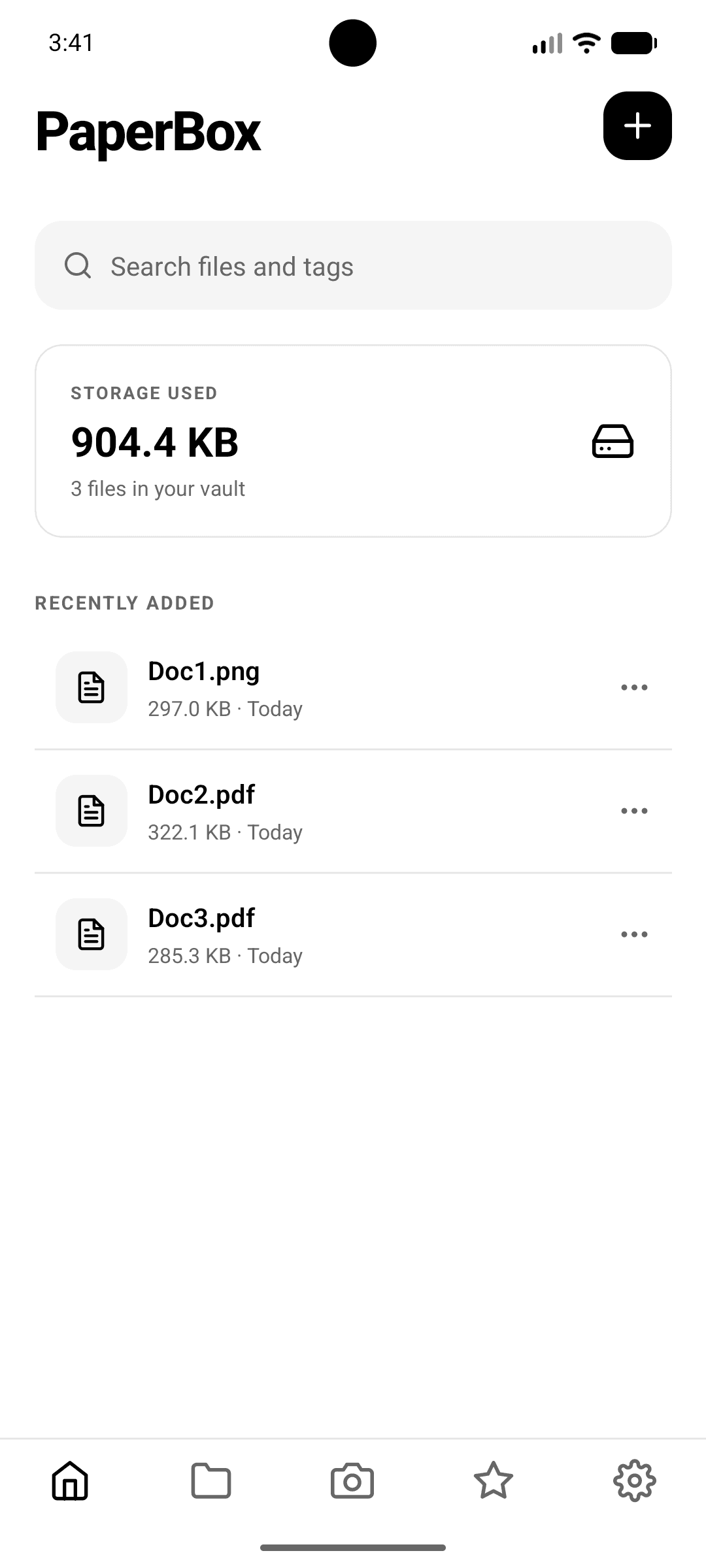
The front desk of your vault — search, storage stats, and everything you've added recently.
- Search files and tags in one field
- Storage used and file count at a glance
- Recently added files, ready to open
- Rename, favorite, pin, move, share, or delete — per file
- Multi-select to move or delete in bulk
A closer look
The actual app, screen by screen.
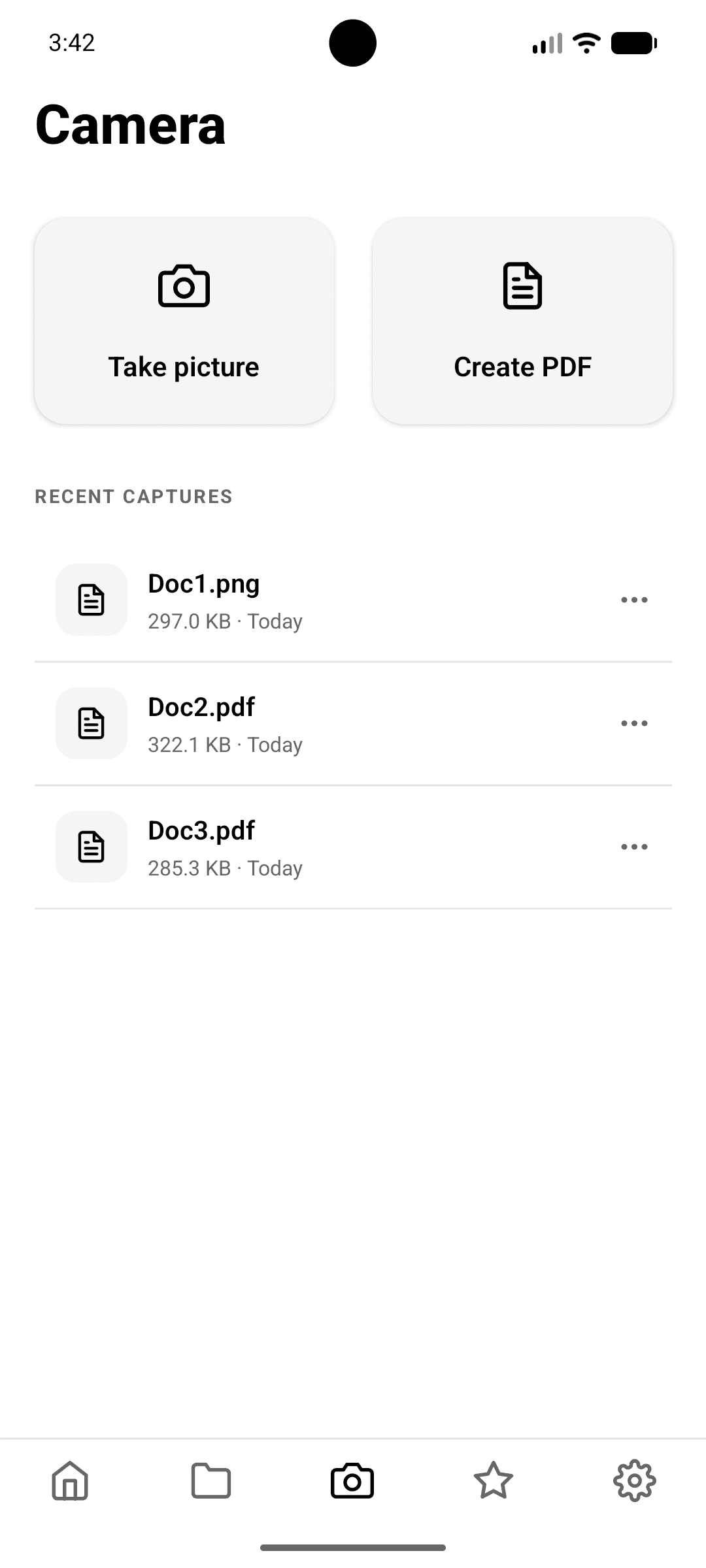
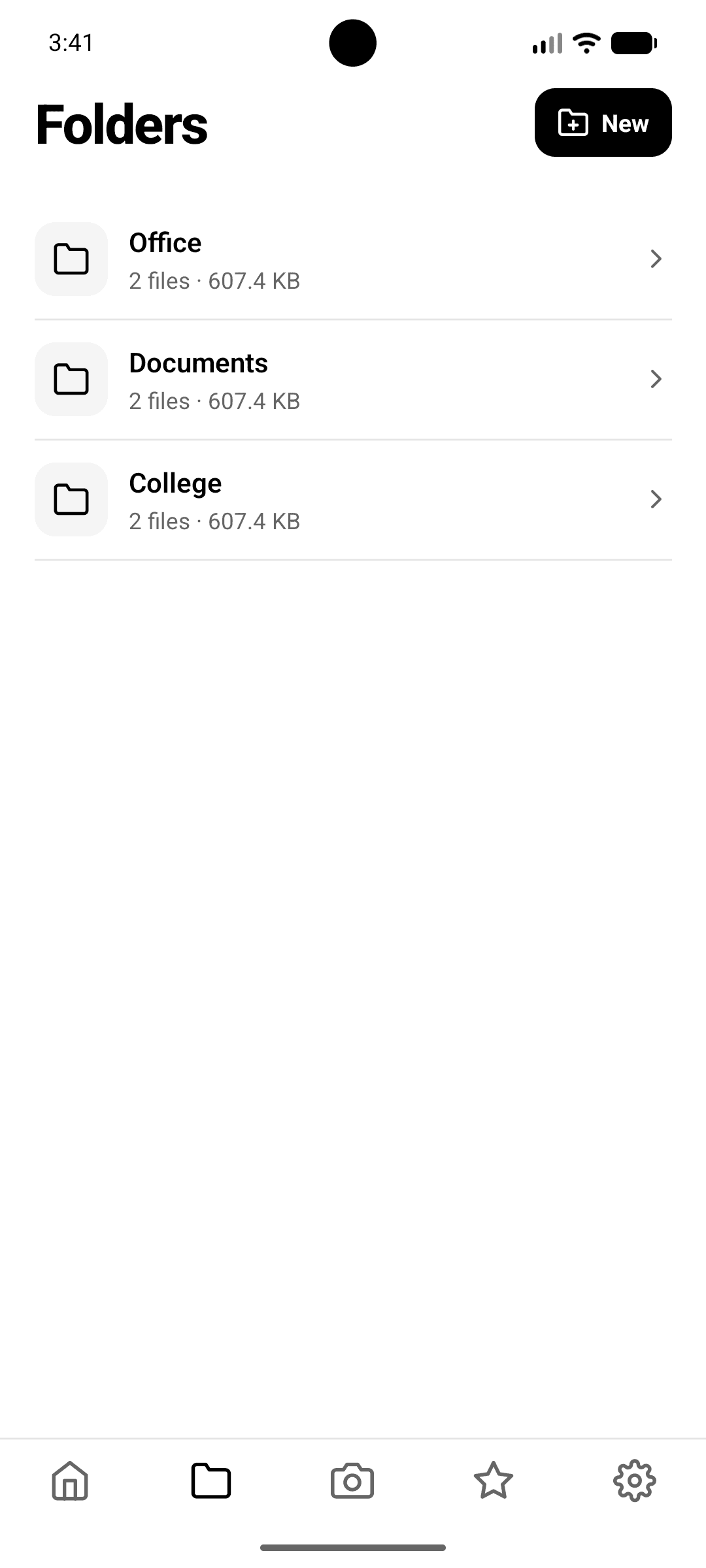
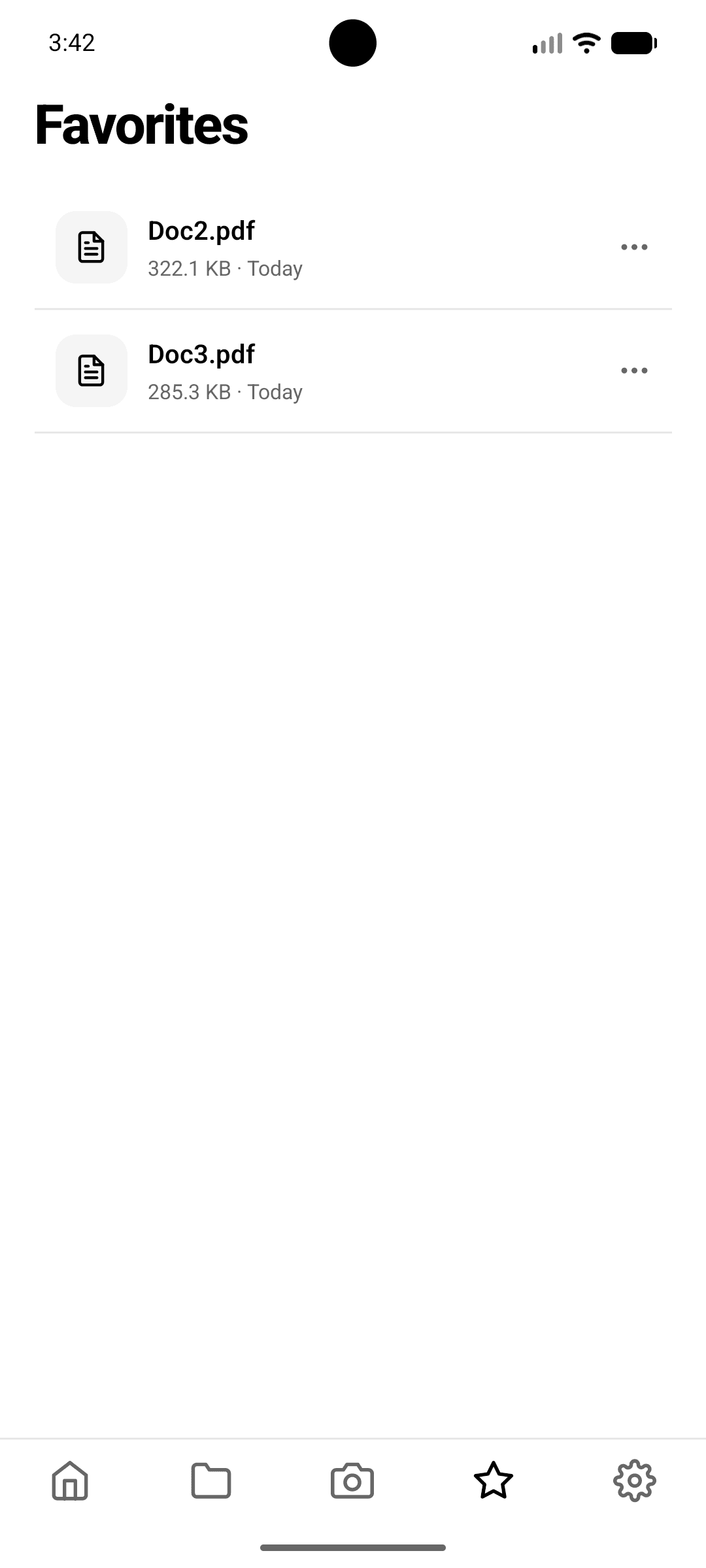
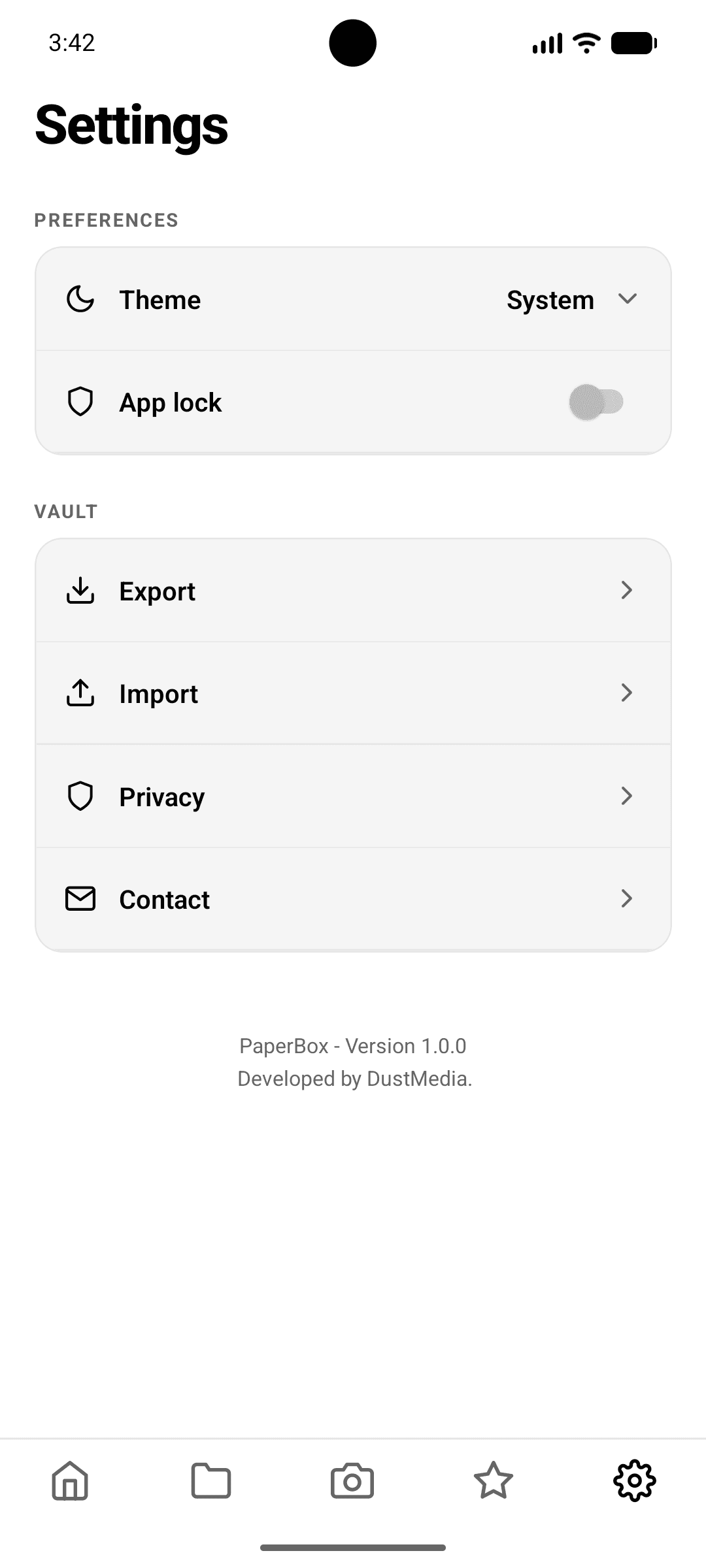
No mockups these are PaperBox running on-device: the home vault, the camera, folders, favorites, and settings.
Privacy by construction
Your files never had a reason to leave your phone.
Locked with Face ID, or your passcode
Turn on App Lock and PaperBox asks for Face ID, Touch ID, or your device passcode before it opens. Your biometric data is handled entirely by the OS — PaperBox never sees or stores it.
Nothing leaves unless you send it
There's no background sync and no server to sync to. Files move off your device only when you tap Share or Export — full stop.
Your vault, portable on your terms
Export packages your files into a single transfer file, or generate a handshake link you scan with another device's camera. Either way, it's a direct transfer you control.
The full policy covers exactly what's stored on your device, what the camera and Face ID permissions are used for, and what happens when you export or import a vault.
Read the full privacy policy